EV3 RC Car V2
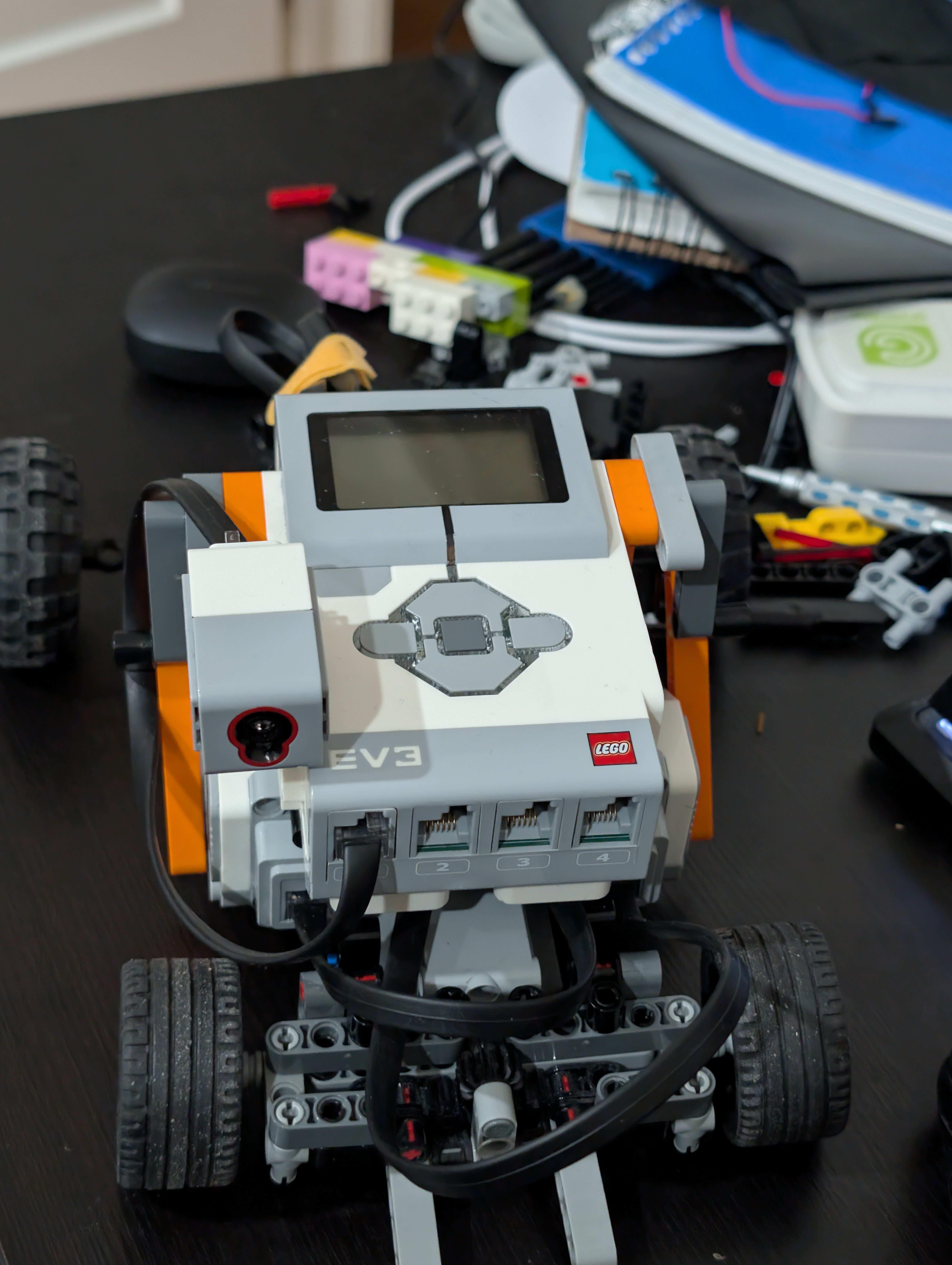
The goal of this project was to build a remote-controlled car using a LEGO EV3 brain and program it to drive using a Bluetooth gaming controller. I also wanted to add cool interactive features like working headlights and custom sound effects to make it feel like a real vehicle.
Programming Features
- Driving: I programmed the controller’s analog triggers for gas and brakes, and the joystick for steering. The code mixes these values together so the motors drive and turn smoothly.
- Custom Sounds: I programmed the controller buttons to play
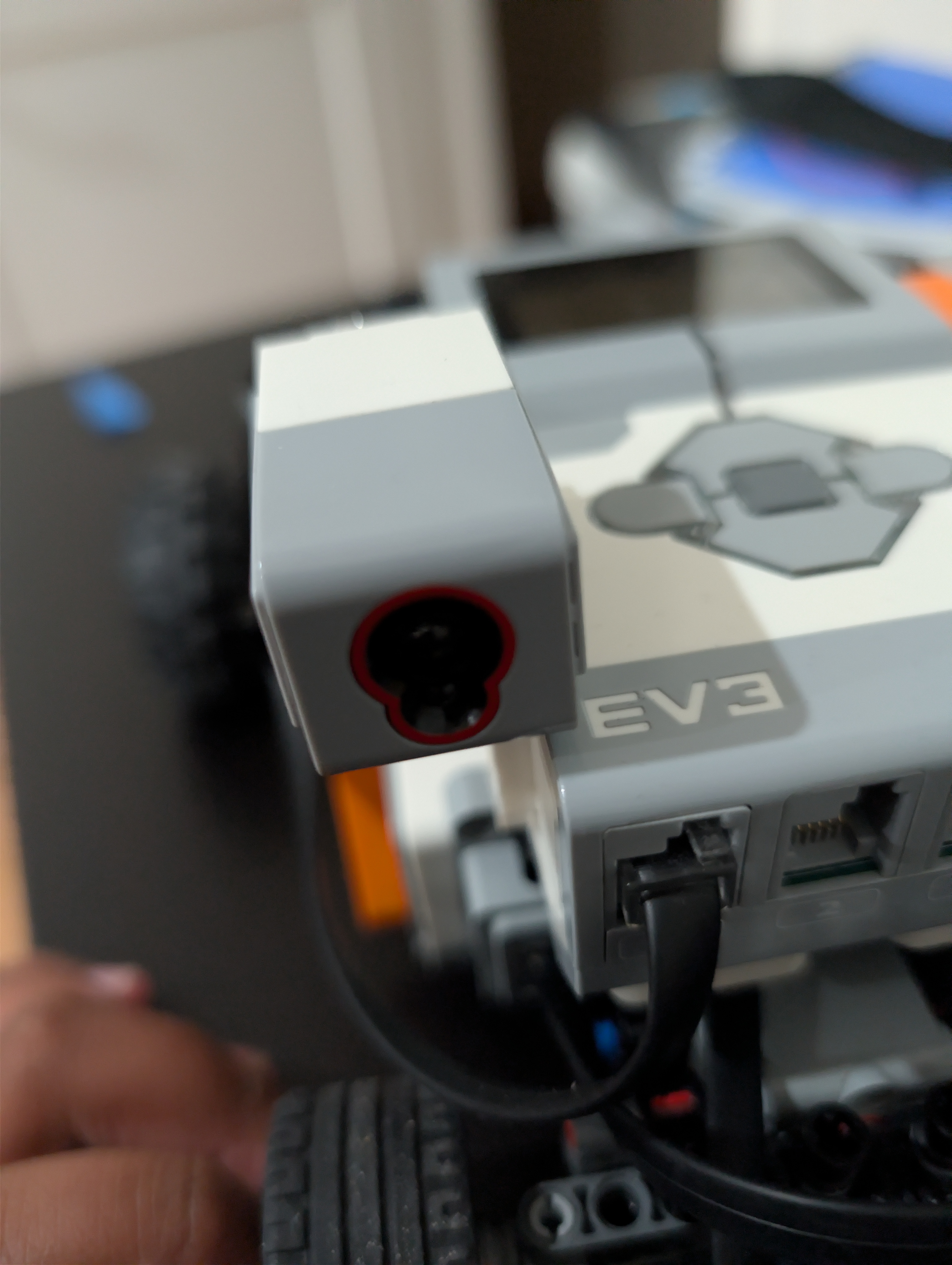
.wavaudio files through the EV3 speaker. Button A honks a standard car horn, and the other buttons play a train horn, an air horn, and the “La Cucaracha” song. - Headlights: I programmed the Right D-Pad to turn the front Color Sensor into a makeshift headlight by forcing it to turn on all of its internal RGB LEDs at once.
Problems and Solutions
Mechanical Turning Radius
Problem: The car was having trouble making sharp turns due to high friction and tire width.
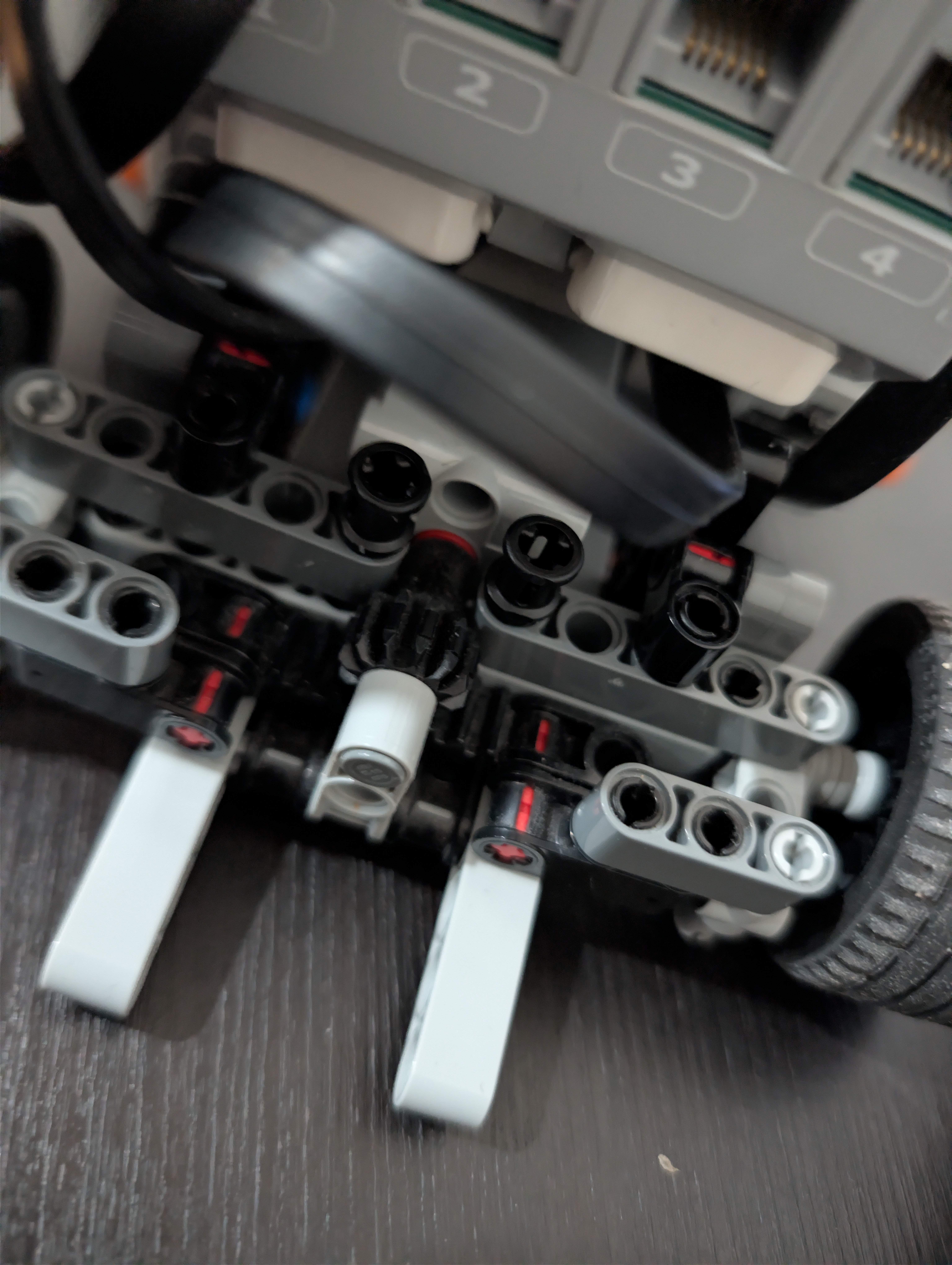
Solution: I changed the front steering tires to much thinner LEGO wheels. This reduced friction against the ground and drastically improved the turning radius.
Audio Playback Crashes
Problem: When I tried to play a song with a button press, it crashed the entire program and kicked me back to the EV3 menu.
Solution: I realized the code couldn’t find the audio file when it booted from the standalone EV3 screen rather than my computer. I converted the audio files to .wav format and updated the Python script to use absolute folder paths, telling the robot the exact directory to look in.
Strobe Light Effect
Problem: I originally wanted the headlights to turn on automatically in the dark. However, the EV3 light sensor ended up blinding itself with its own emitted light. It would detect darkness, turn the light on, immediately detect the new light, and turn it off again—causing it to flash rapidly like a strobe light!
Solution: I removed the automatic light sensor logic and mapped the headlights to a manual toggle button on the controller so I could turn them on and off myself.
Skills Demonstrated
Gallery