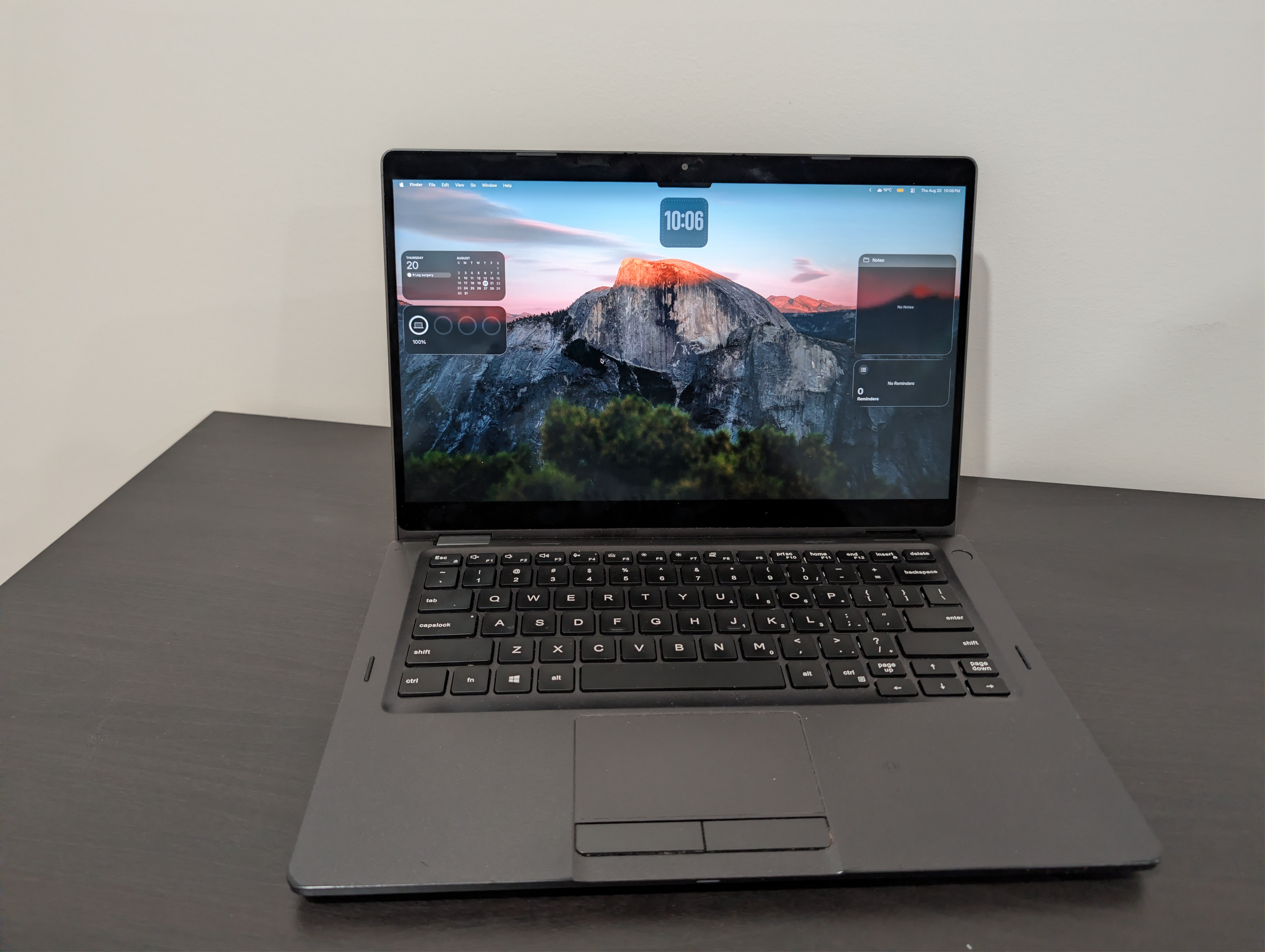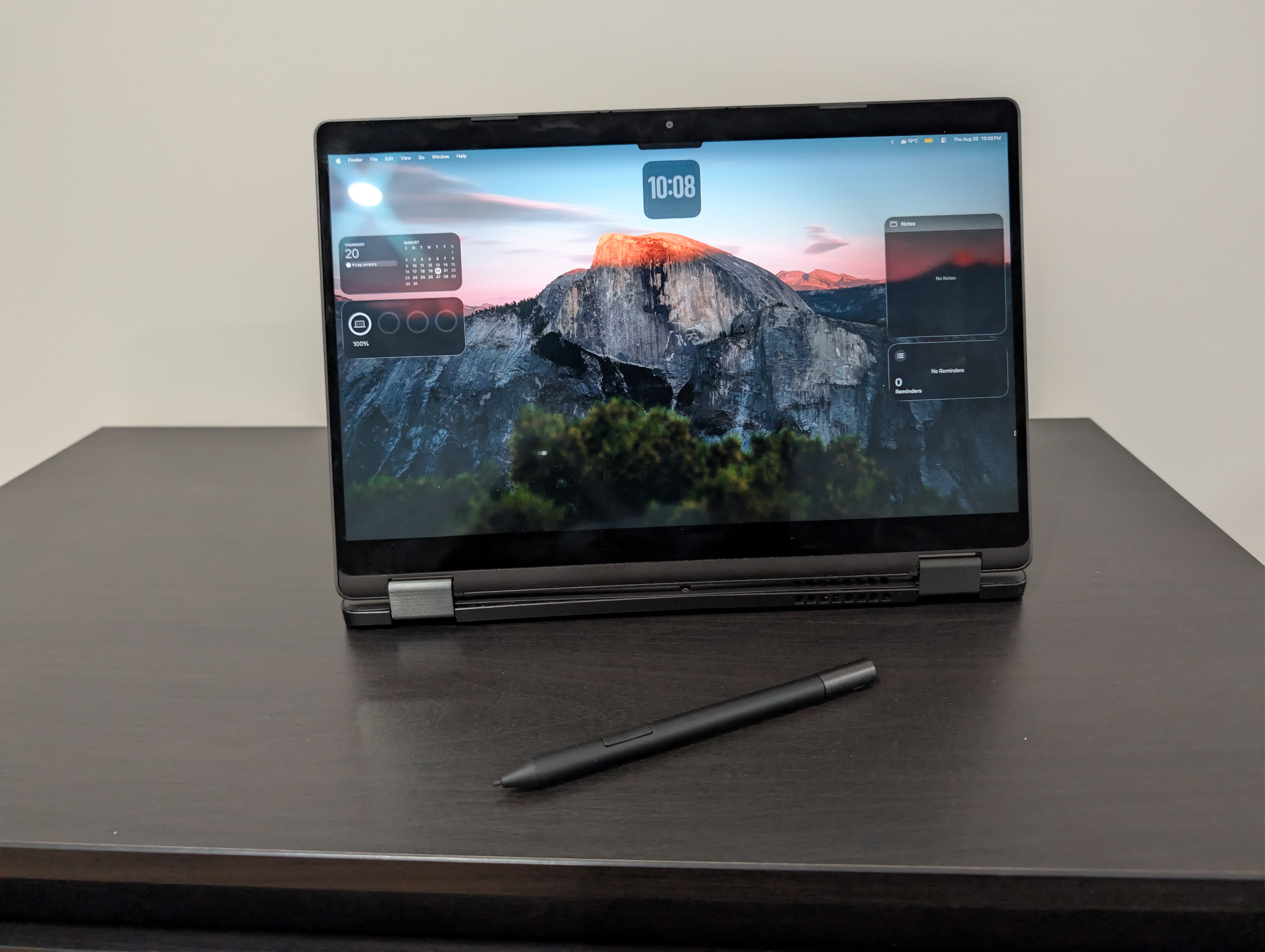
Dell Latitude Hackintosh (macOS Tahoe)
The goal of this project was to successfully install and run macOS 26 Tahoe natively on a Dell Latitude 5300 2-in-1 laptop by configuring a custom EFI bootloader using OpenCore.
The Hardware Challenge
Apple’s macOS is exclusively designed for its own proprietary hardware. To install it on a standard Windows PC like a Dell Latitude, I had to deeply understand the hardware specifications and write configuration files to “spoof” or translate standard PC components into components that macOS natively recognizes.
Supported Hardware Features
By configuring the config.plist and injecting custom kernel extensions (kexts), I successfully enabled:
- Intel UHD Graphics 620 (Full QE/CI Hardware Acceleration)
- Wi-Fi & Bluetooth (using
itlwm/IntelBluetoothFirmwareto trick macOS into accepting the Intel Wireless AC 9560 card) - Internal Display & Audio (Realtek ALC236 injection)
- Power Management (Sleep, Wake, Battery Readouts)
- External Displays via a USB-C WD19 Dock
Boot Argument Hacks
To make this run correctly, I had to use specialized boot arguments:
revpatch=sbvmm: Required to spoof the hardware model during macOS Tahoe App Store updates.agdpmod=vit9696&-igfxcdc: Required to initialize external monitor signals.
Incompatible Hardware
Because of the architectural differences between PC and Mac, some things simply cannot be spoofed in software:
- AirDrop, Handoff, Continuity: Intel Wi-Fi cards do not support Apple’s AWDL protocol. This would require physically desoldering and swapping the Wi-Fi card to a Broadcom chip.
- Biometrics: macOS does not support third-party biometric sensors like the Broadcom ControlVault 3 fingerprint scanner or IR Face ID.
Impact
This project required an immense amount of patience and reading complex ACPI tables, but it successfully yielded a fully functional, highly performant macOS laptop on non-Apple hardware. The custom EFI folder is published on my GitHub repository.
Skills Demonstrated
Gallery