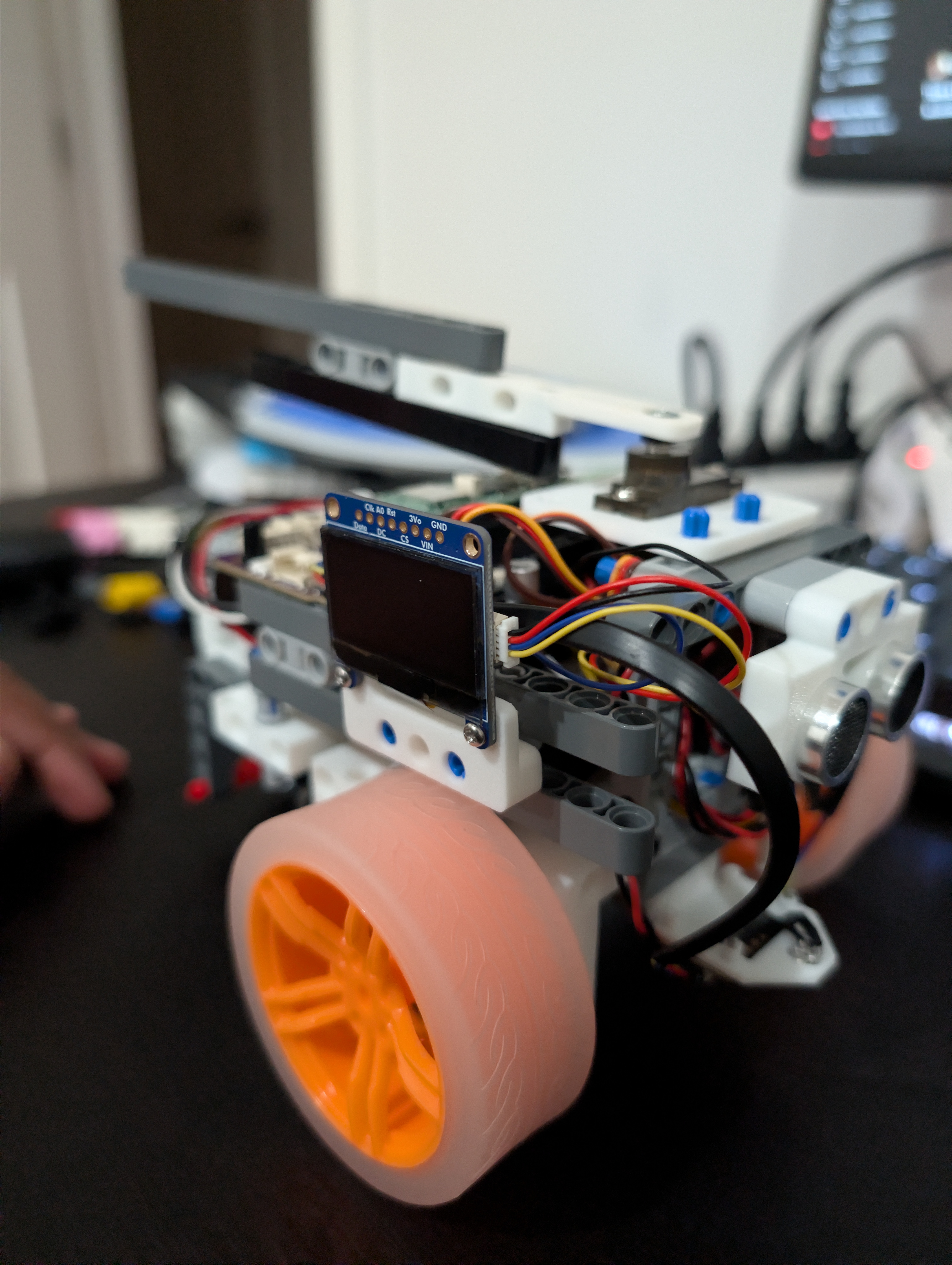
Raspberry Pi Battle Robot
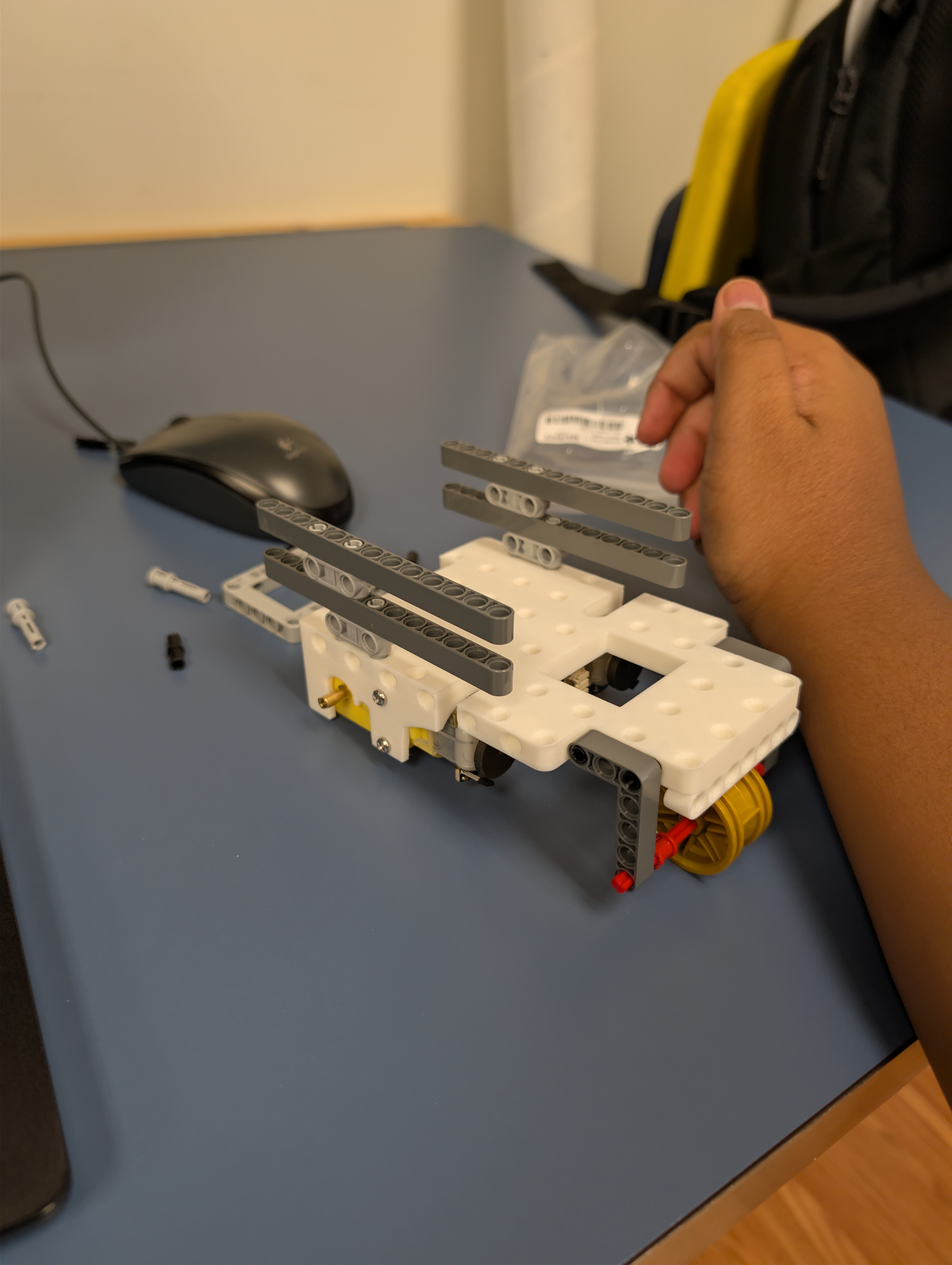
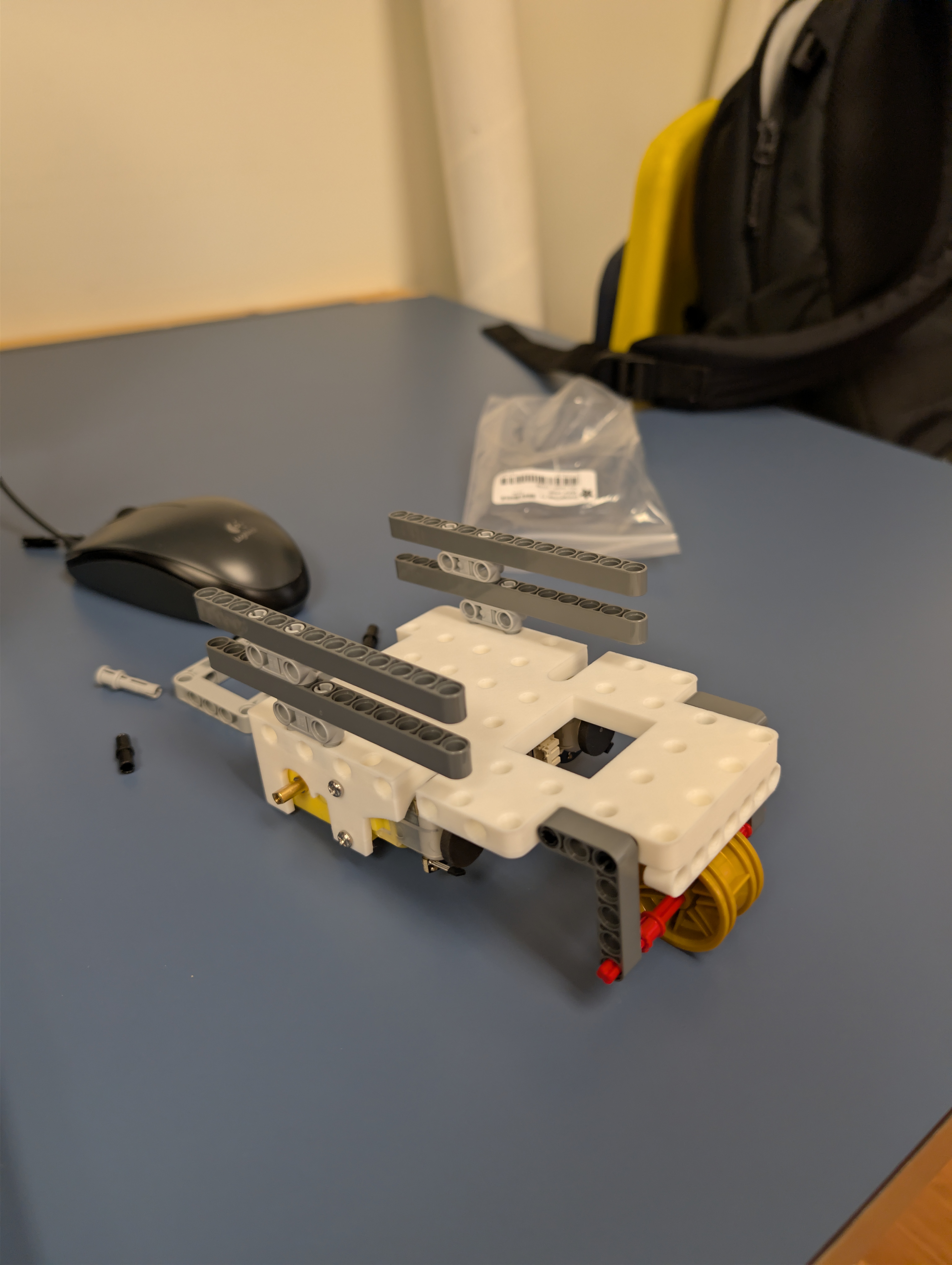
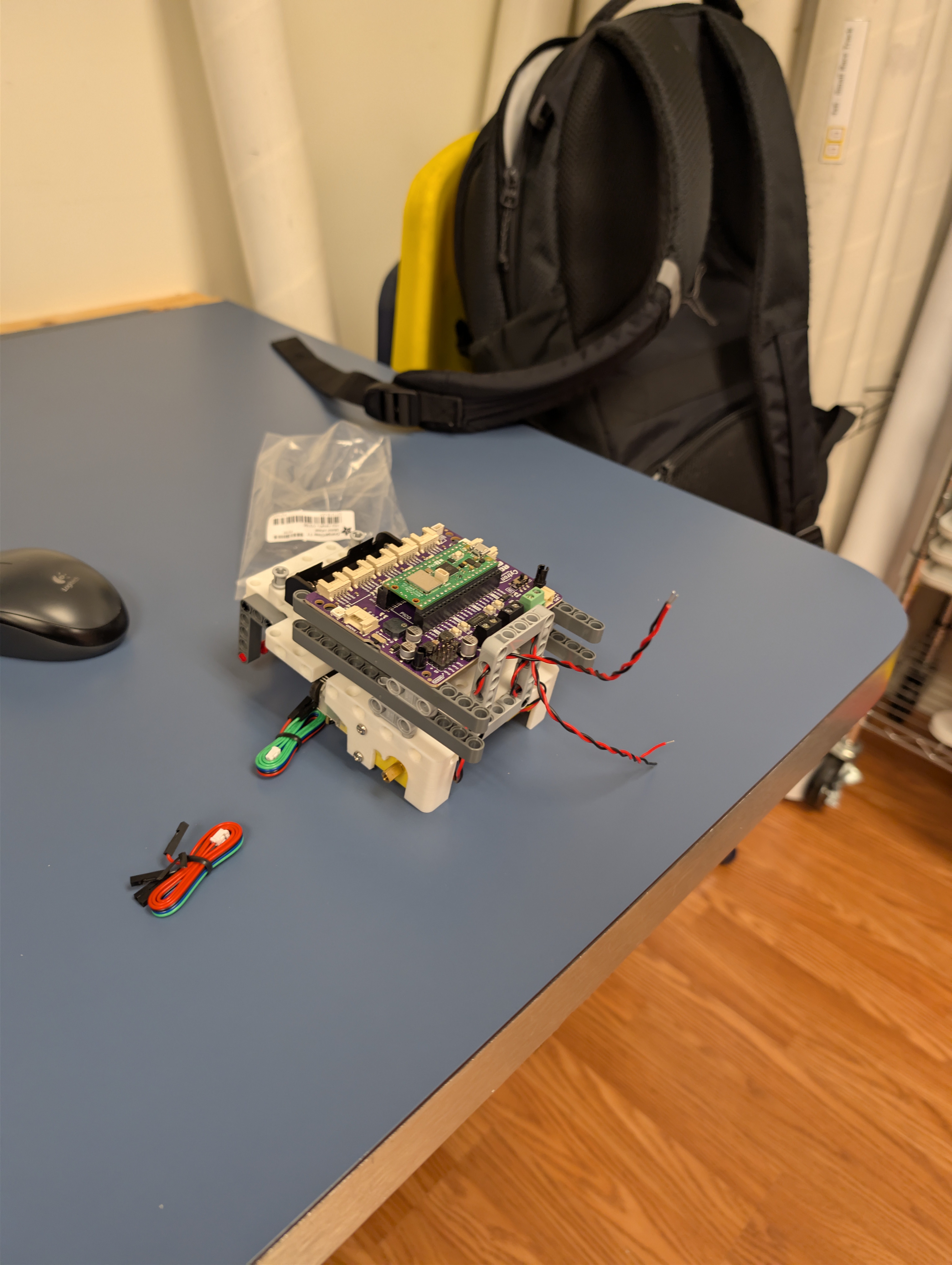
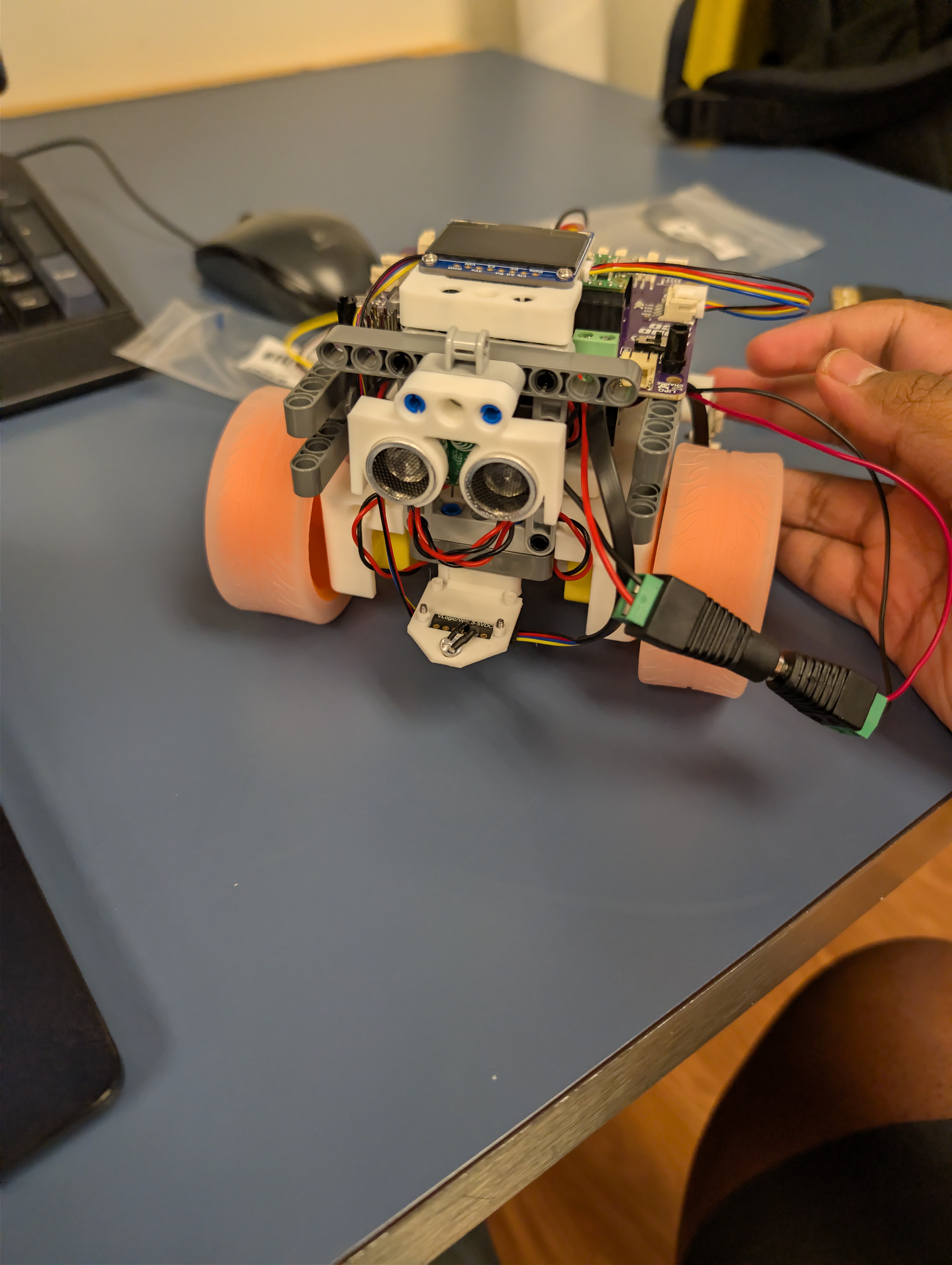
The goal of this project was to build a remote-controlled battle robot using a Raspberry Pi Pico 2 W and a Cytron RoboPico board. I programmed it in C to connect wirelessly to a GameSir Bluetooth gaming controller, and I wanted to add cool features like arcade-style driving and a motorized weapon system.
Programming Features
- Driving: I programmed the controller’s left joystick to control both the gas and steering at the same time. The code takes those X and Y values and runs them through a math algorithm to mix them into tank-steering speeds for the left and right wheels, making it drive smoothly.
- Weapon Servo: I programmed a servo motor on the front of the robot to act as a weapon. I mapped the right joystick so I can manually aim the weapon up and down.
- Automated Attack Sequence: I programmed the ‘B’ button on the controller to trigger a macro. When I press it, the robot automatically sweeps the weapon back and forth 5 times rapidly to attack whatever is in front of it.
Problems and Solutions
Compiler Architecture
Problem: The Pico W was built with a brand-new microchip (the RP2350), which caused major errors when I tried to compile the code.
Solution: I had to go into the advanced CMakeLists configuration files and explicitly rewrite the code to target the rp2350 architecture and the pico2_w board so the compiler knew exactly what hardware it was building for.
Bluetooth Pairing
Problem: The GameSir Bluetooth controller wouldn’t pair to the robot at all. The robot would boot up successfully but ignore the controller completely.
Solution: I dug through the code and found that the custom RoboPico startup file was completely missing the command to turn on the Bluetooth antenna. Once I coded in the uni_bt_start_scanning command, it paired instantly.
Blocking Animation Code
Problem: When I programmed the weapon to whack 5 times, it caused the entire robot to freeze up and drop the Bluetooth connection because the code was getting stuck waiting for the servo to finish moving.
Solution: I rewrote the attack sequence using a background hardware timer on the Pico. This allows the servo to move automatically in the background while the main brain continues to talk to the controller without crashing.
Skills Demonstrated
Gallery